Track Open‑Source Project Releases on GitHub via Email Notifications


If you use an open-source project that does not offer mailing lists or official newsletters, you can still receive updates and release notifications. If your project is on GitHub, you can easily get email notifications about the latest releases directly in your inbox with a few clicks using your free GitHub account.
Log in to your GitHub account. Navigate to the GitHub repository for the project.
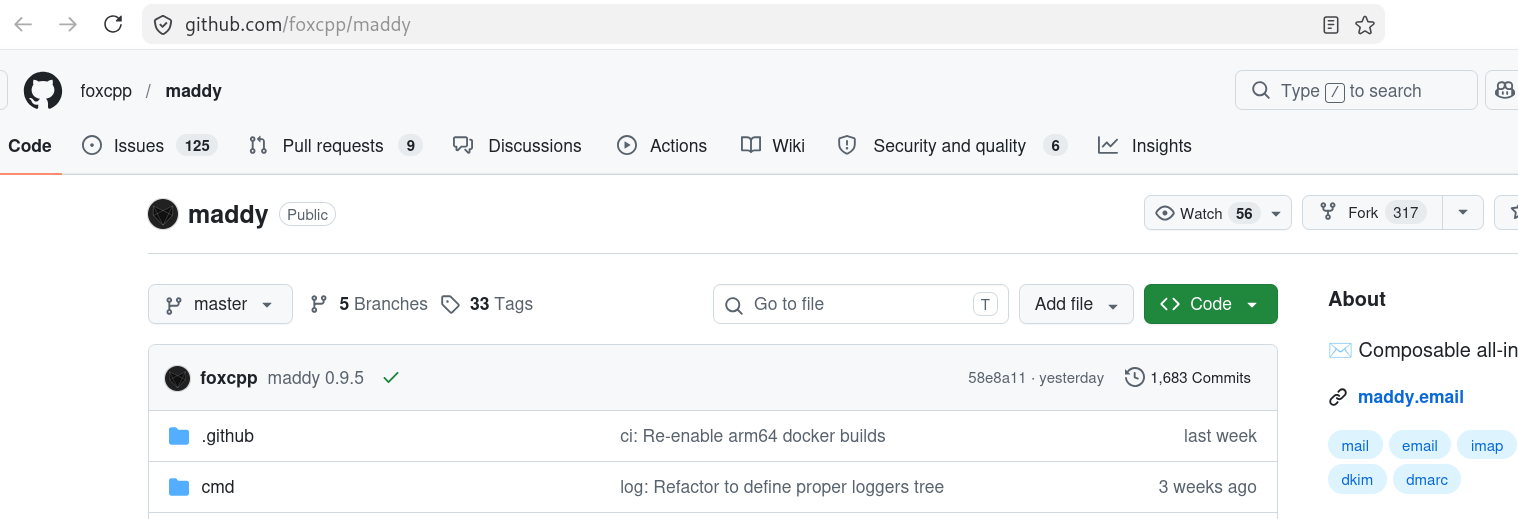
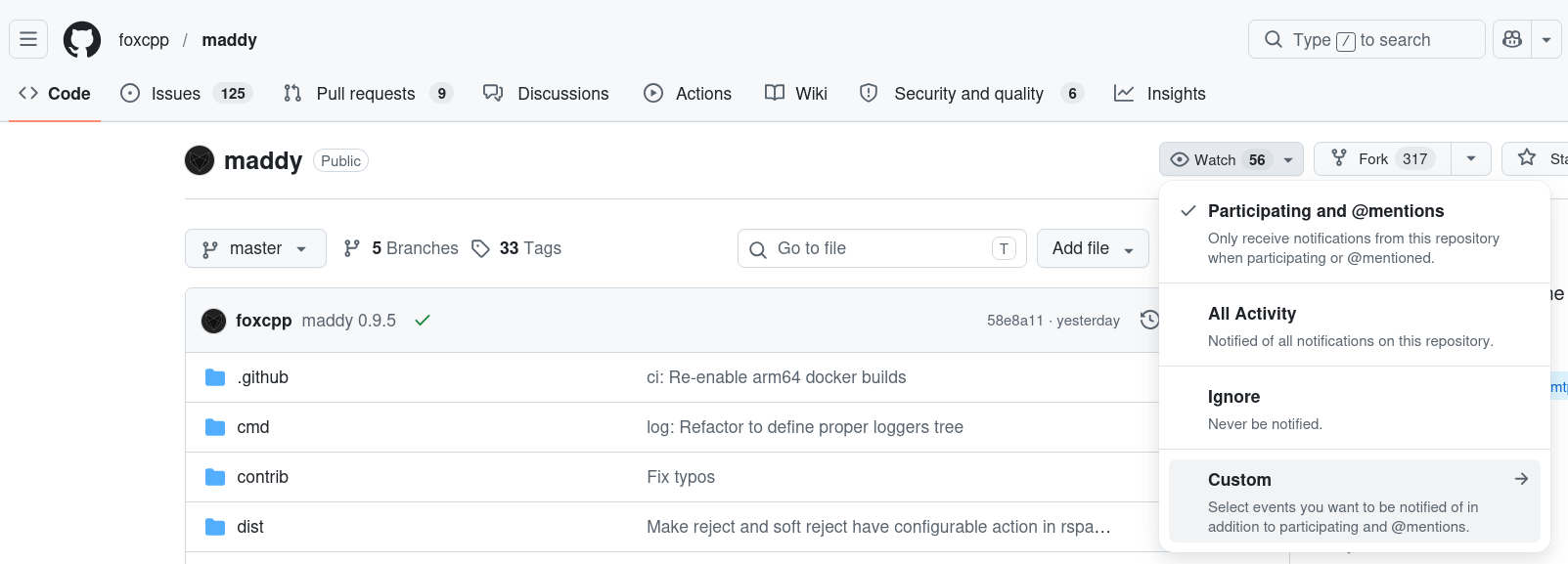
Click on "Watch" to navigate to "Custom" and subscribe to "Releases" therein
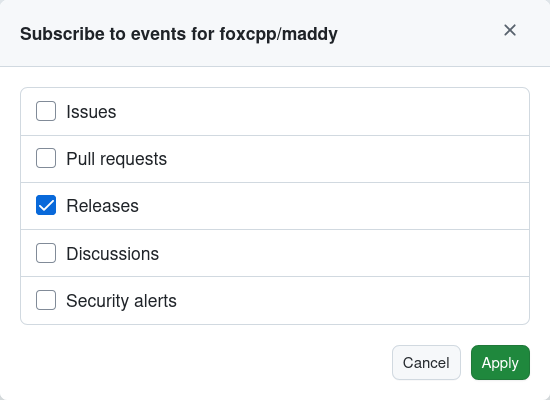
Click "Apply" to subscribe to email notifications.
You can navigate to https://github.com/watching to check all the repo events that you are subscribed to
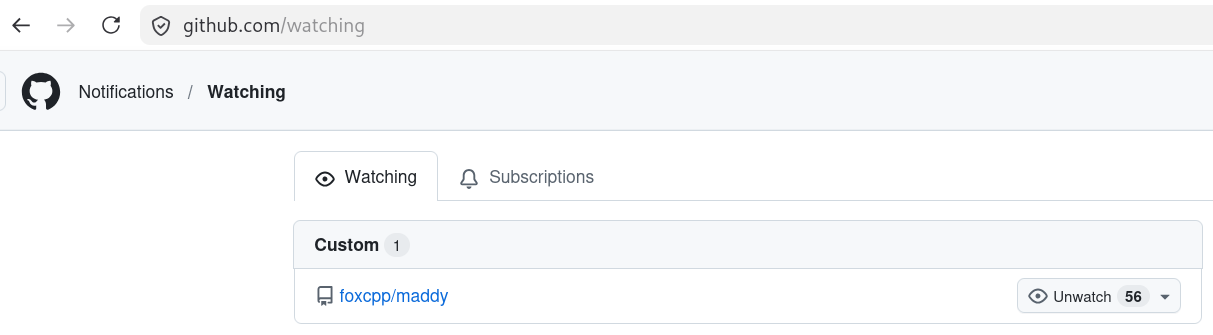
How to unsubscribe or unwatch?
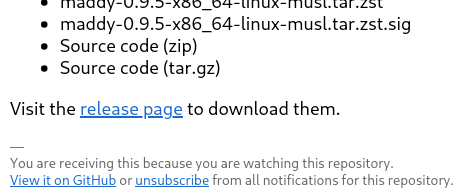
You can quickly unsubscribe from all notifications by clicking the unsubscribe link in the email notification sent to you by Github.com.